Sopheons Notes: a shopping list is a good place to start
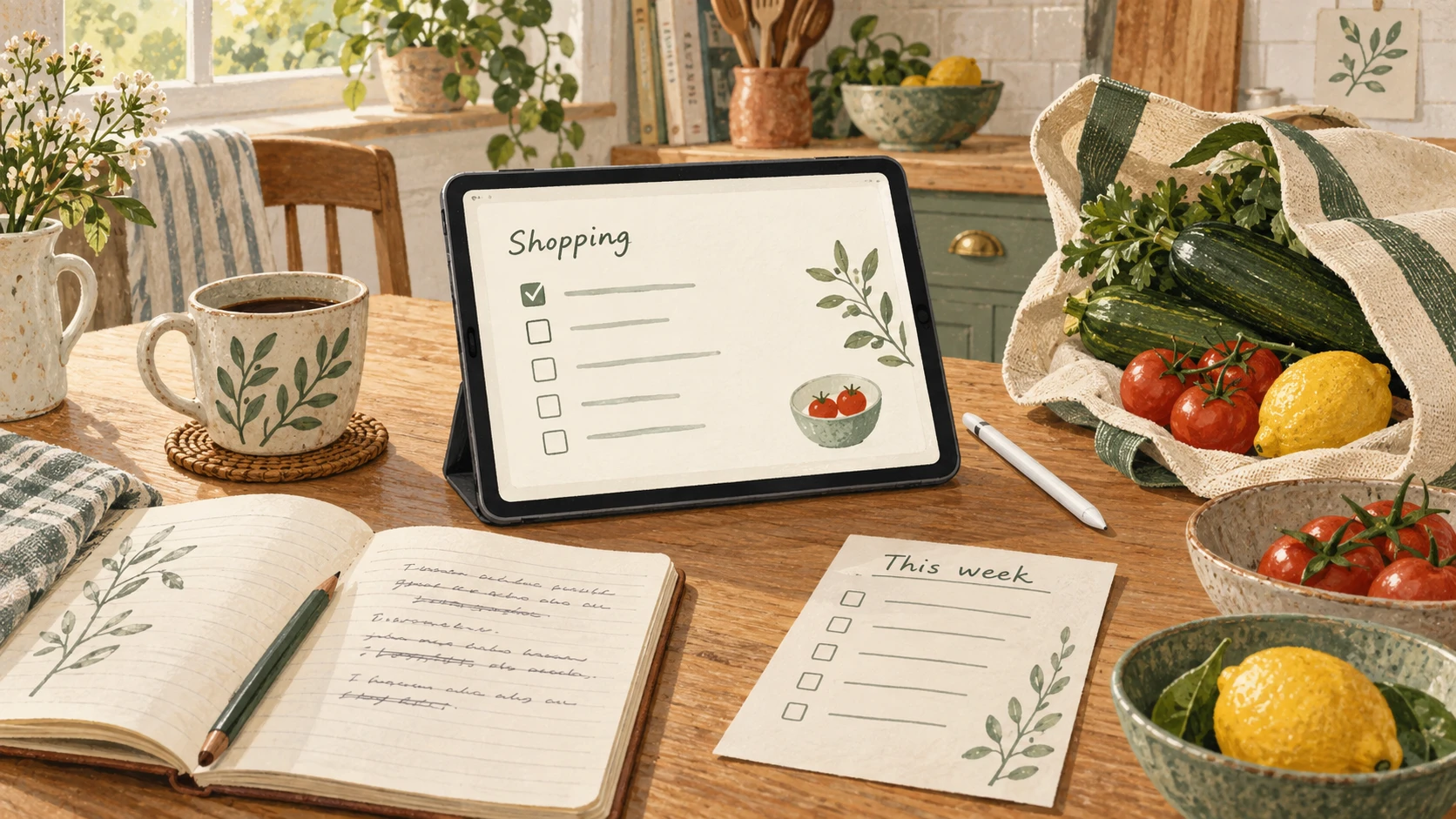
Last week I wrote about Sopheons Notes, the little app I have been building to help with shopping lists, weekly menus, writing and the things I keep forgetting.
Since then, I have made several changes that make it easier to try and more useful once you start putting things into it.
The biggest is simple: you can now start without creating an account. Open the site, choose Start on this device, and write your first note. You do not need to set up Sopheons, connect iCloud or have a Mac running somewhere at home. Your notes are saved in the browser on the device you are using.
I think that matters. If an app is supposed to make everyday life easier, you should be able to find out whether it helps before spending an afternoon setting it up.
My original motivation is still the weekly shop. I would like to spend less time reconstructing the same information: what we might cook, what we bought last time, what we have run out of and which recipe I meant to try. There is a surprising amount of administration involved in deciding what to eat on Thursday.
Notes now has a Shopping notebook, so those lists have a place of their own. You can pin the current list, find recent notes quickly and archive an old list without deleting it. Shopping changes save as you make them, and automatic drafts help you recover writing if you leave before finishing.
The aim is to make last week’s effort useful again this week. I still want to build towards recommendations based on menus and previous shopping. That remains work ahead; for now, the improvements make it easier to keep and use the information those recommendations would need.
Writing has also become much more useful. There is now a Book notebook, with numbered chapters and named versions. You can save a draft, try another approach, compare the full texts and restore an earlier version. Restoring also keeps a recovery copy of the draft you are replacing.
For someone writing a book, that is a welcome freedom: I can change a scene without having to be certain that the new version is better. The same feature is useful for a review, an application letter or any piece of writing that takes a few attempts. Old notes and unwanted versions can go into Archive and be brought back later.
I have also worked on using Notes away from a reliable connection. In the new device mode, once you have opened the app online, you can reopen it offline and continue with your local notes. In my existing connected Sopheons setup, there are clearer indicators of which notes are on the device, which are kept offline and which still need the Mac. If edits conflict, I can compare the copies and choose, with the other text retained as a recovery draft.
Your notes are portable, too. Export backup creates a file you can keep and import into Notes or Sopheons on another device. For the account-free mode, this is how you move your library today; it does not automatically synchronise between your phone and laptop. Keep a backup, because clearing browser data can remove the local library.
This connects to the larger idea behind Sopheons: useful knowledge should remain yours, ready to reuse with whichever AI assistant you choose. The latest Sopheons updates also improve finding material relevant to a question and distinguishing current decisions from older history. Notes gives that memory an everyday starting point.
For me, that includes shopping, book drafts, job applications, reading notes and recipes from zucchine.org. For you, it might begin with one list that you are tired of rewriting.
If you would like to try it, start on this device, create a note and pin it. Put something in it that you will actually need this week. That is the most useful test I can suggest.
Originally published on Substack on 09 September 2026.